The origin of the project
I’m a huge fan of Labubu blindboxes. To be honest, the joy of collecting is in the thrill of opening the box. But there’s a problem: real-life boxes cost hundreds or even thousands, and getting the design you want often takes many tries.
So I thought: if I can’t afford to open the real ones, why not build a web app that lets me open them virtually?
I had a partner in crime: ChatGPT
I’m not great at coding, but ChatGPT is like my assistant developer — it handles almost all of the coding. I just describe what features I want in plain language, and it writes code and explains things:
For example, I told it:
“I want a coin/gem system so you can exchange 1000 coins = 100 gems.”
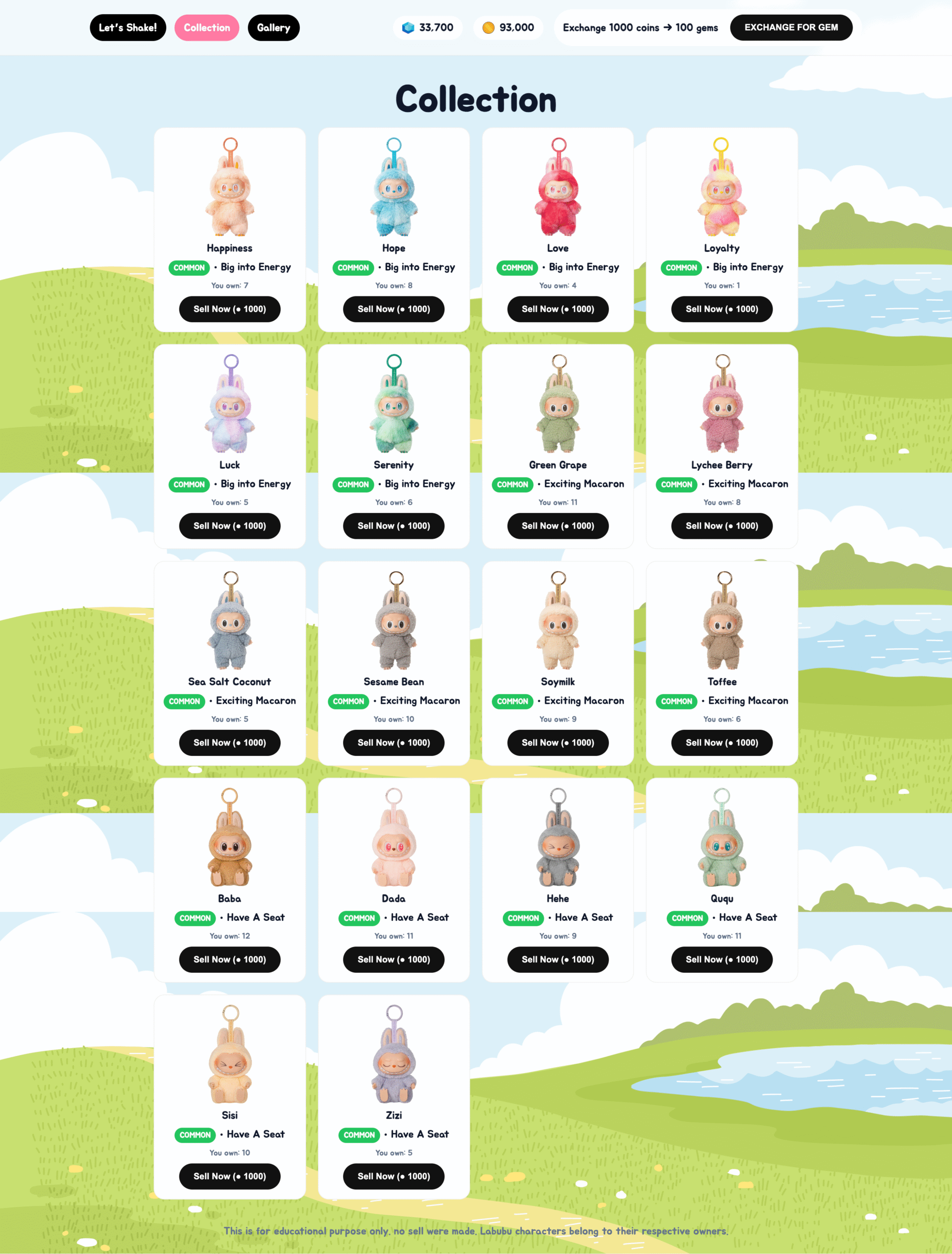
“I want a Collection page to store opened Labubu designs, and ability to sell them back for coins.”
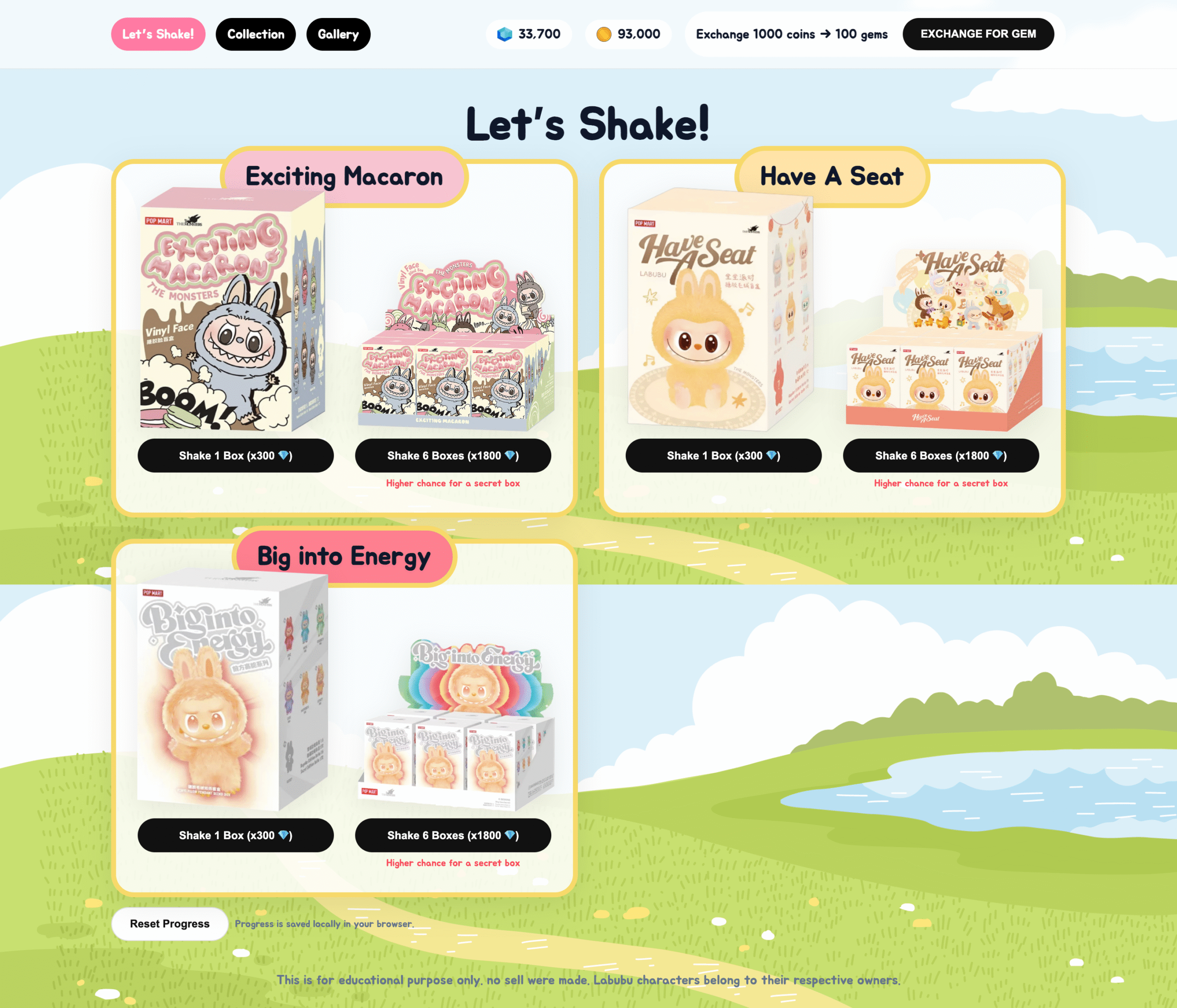
“I want a ‘Shake 6 boxes’ button that randomizes opening six boxes at once.”
“I want the box to wiggle before revealing the content (animation).”
ChatGPT delivered that — including the index.html file I could upload and actually play with.
What I actually did, step by step
Prepared the UI mockups and image assets — I created image files for each Labubu design in a folder.
Used ChatGPT to help write the code — told it I needed a Home page, Collection page, Gallery, and a randomization system.
Iterated and adjusted — when UI elements were misaligned or mobile layout was off, I’d take a screenshot and say, “Make the buttons look balanced on mobile,” or “Add Google Jua font to make it cute.”
Uploaded to hosting — I used labubu.zasito.com as my playground. Drop in the index.html and it works.
Added a disclaimer in the footer:
This is for educational purposes only. No sales were made.
Features included
Open a box (single) or open 6 boxes at once.
Coin/gem system for “currency” to open boxes.
Collection page to store the Labubu you’ve “opened,” with ability to sell them back for coins.
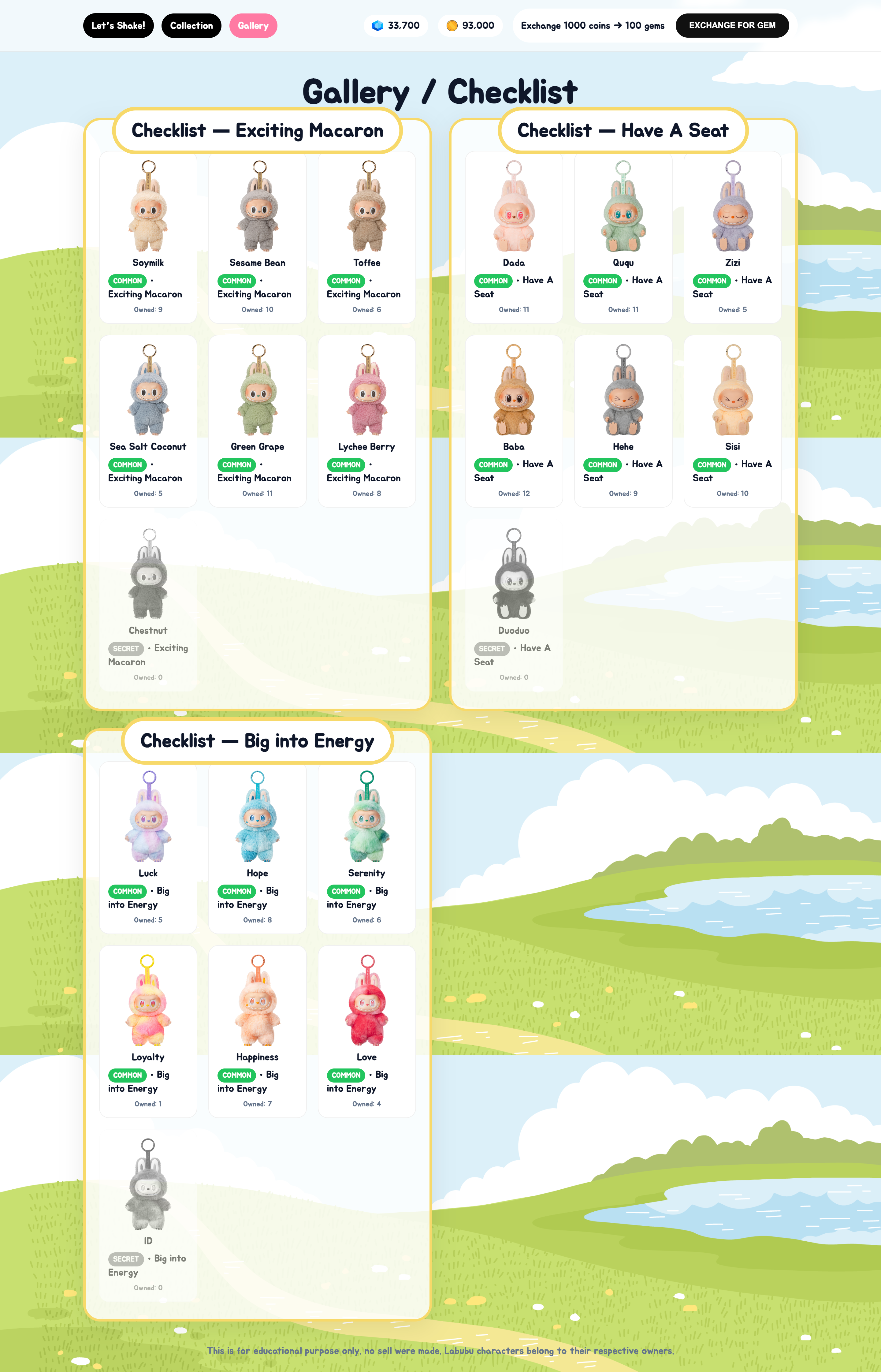
Gallery page to see all possible designs (like a checklist), even ones you haven’t “owned” yet.
✨ Animation: boxes shake then reveal the result.
All of this — I didn’t write a single line of code myself. I only told ChatGPT what I wanted, played with it, tweaked, and iterated until it came out like I wanted.
How I feel after finishing it
It was so fun. It’s not just a web app to play with; it also taught me more about web development steps. More importantly: it reminded me that if you have an idea + a helper tool like ChatGPT, you can build playful things yourself even if you’re not a pro developer.
In summary
This online Labubu blindbox isn’t meant to replace the real thing (opening a physical box has its own charm). But for someone like me with limited budget, building this little world is its own delight. ❤️
If anyone’s interested in making a simple web app: start with a small idea and ask ChatGPT to help. You might end up with a fun project like mine too.